
How to use your phone abroad without coming home to a surprise bill
Roaming rules for UK customers changed after Brexit. A few settings and a little planning keep holiday data costs under control.
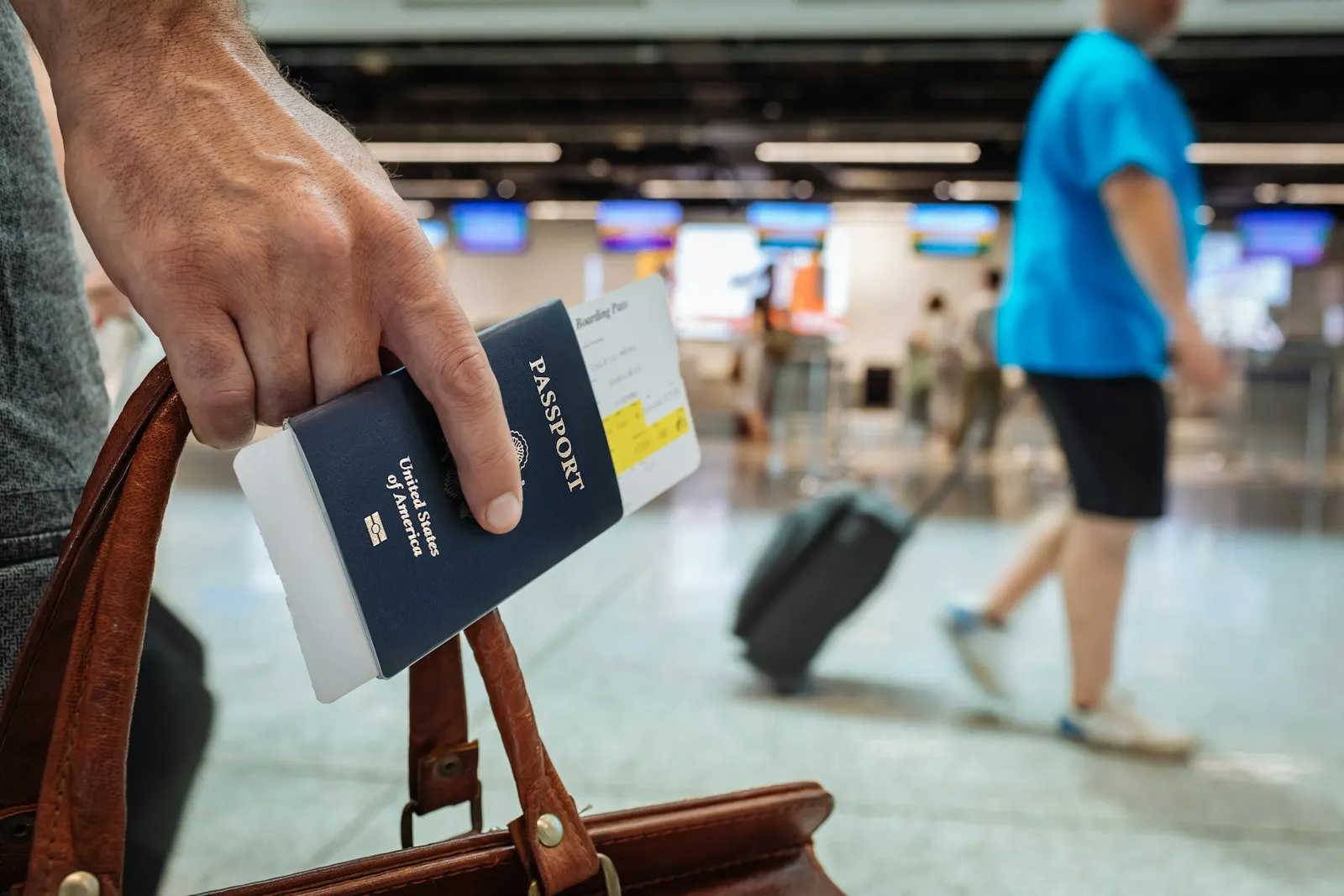
Phones have become the most useful thing in a holiday bag. They hold boarding passes, maps, translation apps, restaurant bookings and every photo of the trip. The one thing nobody wants to bring home is a bill that is bigger than expected. A little preparation before you leave makes that very unlikely.
What changed after Brexit
When the UK was in the EU, rules guaranteed that UK customers could use their phones in EU and European Economic Area countries at no extra cost. Since the UK left, the government says that surcharge-free roaming in those countries is no longer guaranteed.
In practice, each network now sets its own approach. Some plans still include European roaming, some charge a daily fee for using your allowance abroad, and some offer add-on bundles. Terms also vary depending on when you took out your contract. The only reliable answer comes from your own provider, so check your account or app before you go.
The safety net that stayed
Two protections were kept in UK law. Networks must apply a financial limit on mobile data used abroad, set at £45 per monthly billing period, and you cannot carry on using data beyond it unless you actively choose to. They must also send alerts when you reach 80% and 100% of your data use. The government has also kept rules requiring networks to help customers in Northern Ireland avoid roaming by accident near the border.
Five things to do before you travel
- Check your plan. Find out exactly what is included in the country you are visiting, and whether a daily charge applies.
- Download before you leave. Offline maps, playlists, podcasts, films and boarding passes can all be saved at home on Wi-Fi.
- Stop background data. Turn off automatic app updates and photo backups over mobile data, as these can quietly use a lot.
- Know where your settings are. Learn where the data roaming switch sits on your phone so you can turn it off quickly.
- Consider an eSIM. Many recent phones can hold a travel eSIM bought from an app, giving you local data while your normal number stays active for calls and texts.
Hotel, café and airport Wi-Fi can do most of the heavy lifting. Wi-Fi calling, if your network and phone support it, lets you make calls over a wireless connection, although charges for calls made this way abroad depend on your provider.
If you are not sure what something will cost, it is simple to switch off data roaming and turn it back on only when you need it.
Watch out at sea and in the air
On ferries and cruise ships, phones can pick up a maritime network rather than a land-based one. These connections are often charged separately at much higher rates and are not usually part of roaming bundles. The same can apply to in-flight connections. Switching to flight mode once you are out at sea, and using the ship's own Wi-Fi package if you need to stay connected, avoids an unpleasant surprise.
Further afield, roaming prices can be much higher, and some destinations are not included in any bundle. The same steps apply, but it pays to be even more careful. A local SIM or a travel eSIM is often the simplest choice for longer trips.